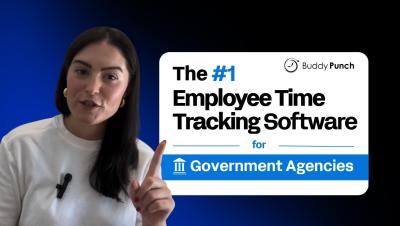
Buddy Punch: Employee Time Tracking Software for Government Agencies
Managing time tracking in a government agency isn't just about counting hours; it’s about maintaining strict compliance, absolute accountability, and total audit readiness. In the public sector, a single missing record can lead to significant administrative hurdles. You need a system that handles complex policies across multiple departments without adding to your workload.