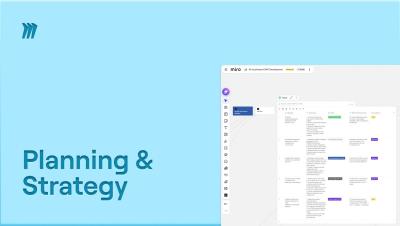
Setting OKRs shouldn't take weeks. With Miro Flows, you can go from strategy documents to a ready-to-present all-hands deck in a fraction of the time. In this tutorial, we walk through the AI Accelerated OKR Development template, a multi-step workflow designed to speed up your entire OKR process. We feed it real inputs: a company strategy document, Power BI dashboard, leadership offsite call transcripts, Q1 results, and company branding. The outputs? A table with OKRs, a company strategy overview document, a strategy diagram, and an all-hands presentation, all generated automatically.