Teams | Collaboration | Customer Service | Project Management

Product Demo | Award winning Employee Monitoring Software | We360.ai

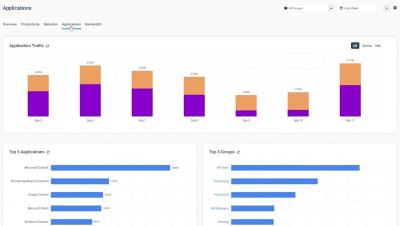
We360.ai is an Employee Productivity Monitoring Software. It allows you to plan work easily, manage your staff, and run your business with rich insights. With We360.ai, you won't have to waste time manually analyzing productivity metrics or integrating data. This solution gives you a hierarchy to empower managers, HRs, and admin users

How to Manage Users & PCs in the CurrentWare Suite | CurrentWare

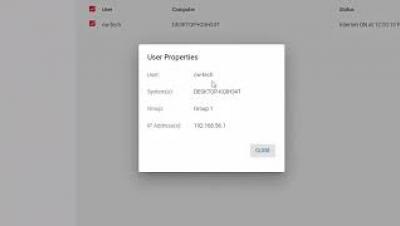
In this video, you will learn how to set up your user and computer groups within the CurrentWare Suite. This video will cover the key user management features of the CurrentWare Suite, including: This demo will be using version 7.0.1 so there may be small differences if you are using another version. Before watching this video you should already have the CurrentWare web console installed.

enPowerManager User Guide & Features Overview | CurrentWare Tutorial

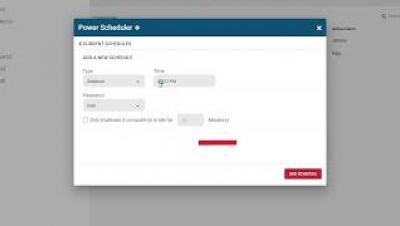
Today I’m going to show you how to get started with implementing your first PC power management policies with enPowerManager. This video will cover the key features of enPowerManager, including: For the best results, set enPowerManager to PC mode rather than User mode. This will give you access to the most features. This demo will be using version 7.0.1 so there may be small differences if you are using another version.

How to Use AccessPatrol-USB Activity Reports & Removable Media Control | CurrentWare Tutorial

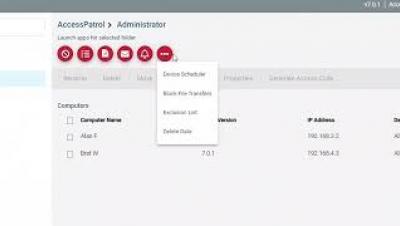
In this video, you'll learn how to get started with implementing your first USB security policies with AccessPatrol USB device control software. This video will cover the key features of AccessPatrol, including: This demo will be using version 7.0.1 so there may be small differences if you are using another version. Before watching this video you should already have the CurrentWare web console set up, the CurrentWare Clients installed on the computers you would like to manage, and your users or computers placed in their own policy groups.

How to Use BrowseReporter Employee Monitoring Software-Track Productivity, Web Browsing & App Use

Today I’m going to show you how to get started with monitoring employee productivity, web browsing, and application usage with BrowseReporter’s user activity reports. These reports work in tandem with BrowseReporter’s user activity dashboards to provide you with advanced awareness of your user’s computer usage across your organization. This video will cover the key activity monitoring features of BrowseReporter, including.

What is Freshworks Analytics?

Analytics is built for for every Freshworks Customer. With Analytics, you can deep dive into your data and obtain insights, specific to your business. Analytics is a no-code platform built for everyone - you decide which metrics you want to track, how you want to see them and you can do it without having to write even a single line of code. Power-packed features to help with business insights.