
Teams | Collaboration | Customer Service | Project Management

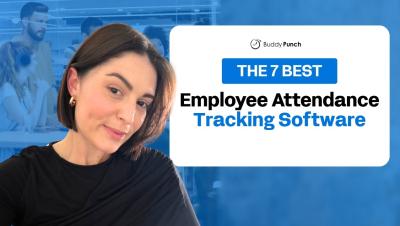
The 7 Best Employee Attendance Tracking Software

When employees show up for work late, leave early, or call in, it has ripple effects on your business. Work doesn’t get done, productivity wanes, and your revenue starts to suffer. Without attendance tracking software, it can be hard to identify the root cause of these issues and hold employees accountable for showing up for work when they’re supposed to. In this video, we’re reviewing the seven best employee attendance tracking software, covering the unique features each platform offers and which types of teams and use cases they’re best for.

The 9 Best Employee Time Tracking Apps (And Who They're Best For)

The right time tracking app can help you prevent time theft, catch billable hours that would otherwise go unbilled, spot inefficiencies before they eat into your margins, and simplify payroll. But it has to fit the work your team does. An app built for salaried knowledge workers probably won’t suit hourly construction crews, and a tool designed for a single retail shop won’t hold up for a franchise with dozens of locations.

Status Icons in Team Chat: Small Symbols That Protect Focus

Remote teams are unable to look over a room to see who is occupied. That is now done by a small symbol beside a name. When the symbol is obvious, co-workers avoid unnecessary pings and guard the attention of one another. When vague, people have to guess, and that is super time-consuming. Let’s look into common status icons and the importance of labels. So, keep reading to learn how a team can create its own simple legend.

This Is Apploye in 2026. 2027, We're Ready to Take Over.

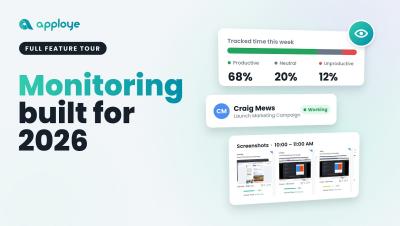
From 2019 to 2026, we've come a long way. And we're just getting started. What started as a vision back in 2019 has evolved into something much bigger. Today, Apploye is more than just a time-tracking tool. It's a powerful workforce management and employee productivity platform built for the way modern businesses operate. We've spent years building, improving, listening, and pushing boundaries. Every feature, every improvement, and every milestone has brought us closer to where we are today.

OKR software for product teams: connecting objectives to features and roadmaps

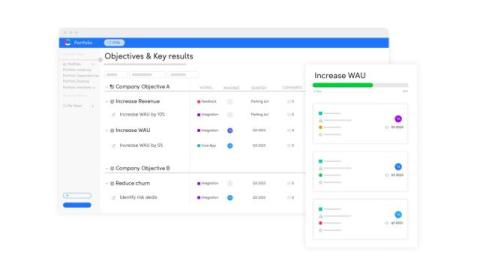
Most OKR tools are built for the whole company. They track objectives and key results well, but they sit apart from the place where product teams decide what to build. The result is a familiar gap: leadership sets objectives, the team keeps a backlog, and nobody can say which features move which key result. OKR software for product teams closes that gap. The goal is not a prettier scorecard. It is a direct, visible line from an objective to the initiatives, epics and features that are meant to deliver it.

Why intranets fail reason #6: Content is outdated and irrelevant

Ever opened your intranet only to feel like you’re stepping into a time capsule? Old, irrelevant content has piled up, and now the platform you hoped would be a digital hub of collaboration and connection feels more like an abandoned storage room. And here’s the reality: once employees lose faith in the intranet, it’s hard to get them back. AI-powered content moderation for intranets can clear the clutter so your platform remains a go-to destination.

How Secure Team Communication Supports Digital Banking Operations

A payment batch fails at 2 a.m. Within minutes, engineers and compliance staff are trading messages about which customers are affected. Whatever tool carries that conversation also carries customer data and the decisions a regulator may ask about later. For a digital bank, team communication is part of the operating infrastructure.

AI Agent Handoff: How Team Communication Connects Automation with Human Support

A mid-sized company asks an AI agent to onboard a new starter. The agent creates the email account. It adds the person to the right channels. It books the induction sessions and raises a laptop request. Then it reaches the finance-system access step. The request goes to an approver whose mailbox returns an out-of-office reply. The workflow has no rule for that. The agent is built to keep moving, so it skips the step. It reports: “onboarding complete.” Nobody notices for nine days.