Teams | Collaboration | Customer Service | Project Management

Unify Your Customer Service: Luware Nimbus-The AI Brain for Your CX

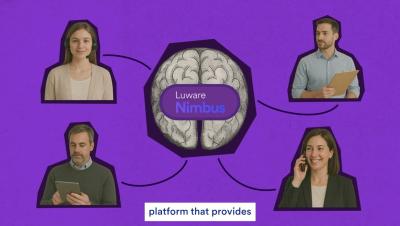
Disconnected systems make customer service harder than it needs to be. When teams and tools operate in silos, customers are passed from one place to another, while organizations lose a clear view of how service is actually delivered and where friction is created. Luware Nimbus is the central CX platform—the “brain”—that brings those disconnected parts together. By unifying customer interactions, workflows, and data within the Microsoft 365 ecosystem, Nimbus creates a single, coherent foundation for managing and understanding customer service operations.


Stop Working Alone. Start Working with AI.

Stop Working Alone. Start Working with AI. We've all been there—drowning in tasks, working twice as hard, wondering why productivity feels like a constant uphill battle. But what if the secret wasn't working harder... it was working WITH someone (or something)? When humans team up with AI, magic happens. This is the workplace moment that changes everything: realising AI isn't your replacement, it's your ultimate work buddy. Human creativity + AI efficiency = results that'll make your boss do a double-take.

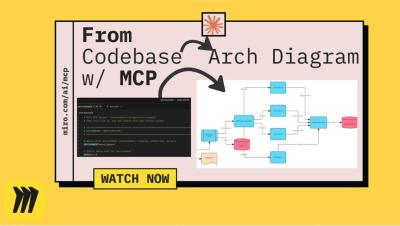
How to Auto-Generate System Architecture Diagrams from Code (Miro MCP + Claude Code)

Ever tried to explain a complex server architecture and wished you could just... automatically generate the diagrams? In this demo, we show an incredibly powerful tool that does exactly that. We use a single command (miro-mcp:code_explain_on_board) to point Miro's MCP Server and Claude Code at a local server codebase. In just a few minutes, the AI analyzes the code and generates four comprehensive, detailed diagrams directly on our Miro board.

Troop Messenger On-Premise | Your Communication. Your Control.

The moment data leaves your servers, it’s no longer yours. With Troop Messenger On-Premise, every chat, file, and call stays within your secure walls — protected by military-grade encryption and end-to-end data ownership. Trusted by defense, government, and enterprise sectors where confidentiality is non-negotiable. Own your data. Protect your network. Strengthen your security.

How to Create Views in M-Files

In M-Files, documents and other objects can be categorized into different views according to their metadata. Creating views is largely based on specifying the metadata used for searching and categorizing documents. Views allow you to save frequently used searches and define grouping levels. For information about searching for documents, refer to Searching. Other Helpful Resources.

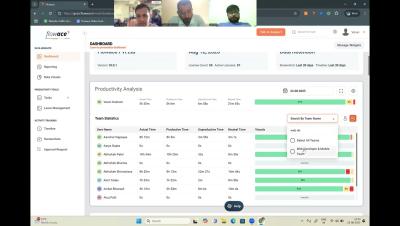
Flowace Live Demo with the Simvisr Team

Explore Flowace in action with the Simvisr Team as we dive into how teams can achieve accurate time tracking and boost productivity. This live demo showcases how Flowace monitors websites and app usage, tracks active vs idle hours, detects suspicious user activities through screenshots and keystrokes, and helps you distinguish between productive and unproductive work time.

How to Create a Flowchart in Miro: Step-by-Step Tutorial

Flowcharts turn complex processes into clear visuals that anyone can follow. This tutorial shows you how to create flowcharts in Miro, from scratch or using AI to speed things up. What you'll learn: Let us know in the comments how you plan to use flowcharts in your projects! Subscribe for more Miro tutorials Chapters.

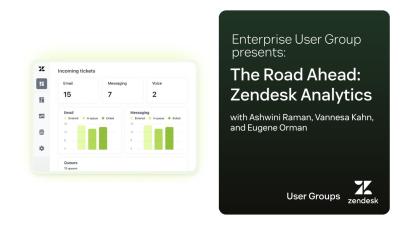
Enterprise User Group presents: The Road Ahead - Zendesk Analytics

Watch our virtual event where we explored the latest updates on Zendesk’s new Analytics functionality! Hear exclusive insights from the Zendesk product team and learn how to leverage these powerful new features to transform your data analysis and reporting. Don’t miss this chance to catch up on the discussion, see questions answered live, and don’t miss upcoming events! Key Highlights Zendesk makes customer service better. We build software to meet customer needs, set your team up for success, and keep your business in sync.