
Teams | Collaboration | Customer Service | Project Management

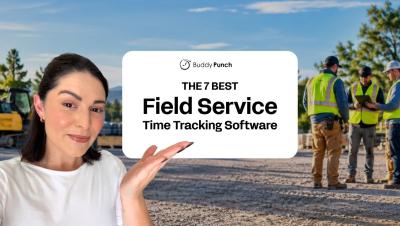
The 7 Best Time Tracking Apps for Field Services Companies

With mobile apps that let crew members clock in and out from any job site and features like GPS tracking, geofencing, and photo clock-ins to prevent time theft, modern time tracking software makes it easier than ever to keep track of your field employees and keep them accountable. In this video, we’re reviewing the seven best field service time tracking software. Check it out to find the best option for your team!

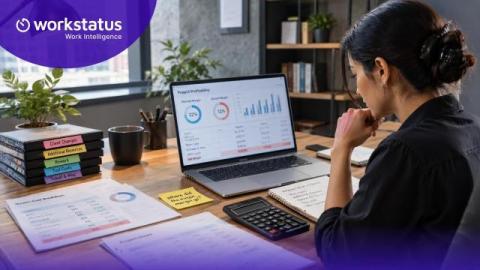
The 8 Best Payroll Software for Construction Companies

Between tracking crew hours, managing overtime, and keeping up with payroll, paying your construction team accurately takes some coordination. The best payroll software can help make that process more efficient. In this video, we’re reviewing the eight best construction payroll software options to help you find a solution that works for your crew as well as it does for your business. Tools featured in this video.

Where Did the Margin Go? Project Margin Leakage Calculator

You close the project. The client is happy. The invoice goes out on time. Then the numbers come back, and the margin is thinner than you planned. Nobody can point to what went wrong. There was no crisis. Nothing slipped badly enough to notice. The project simply cost more to deliver than it was meant to. This happens on fixed-price projects, on retainers, and on client accounts. It happens to teams that already track their time. Most of the time it happens for one reason.

Apploye Activity Insights in 45 Seconds

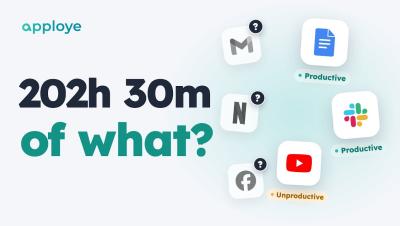
Your team tracked 202 hours this week. But 202 hours of what? Apploye Activity Insights shows you — every app and website labelled productive, unproductive or neutral, in one report. In 45 seconds: Productive vs unproductive time for your whole team, and for each person Your rules: a level for the whole team, or an exception for one person Unusual Activity: catches mouse jigglers, auto clickers and input that wasn't real Coming soon: Advanced Notifications, the moment someone's late.

How to Track Productive and Unproductive Time in Apploye

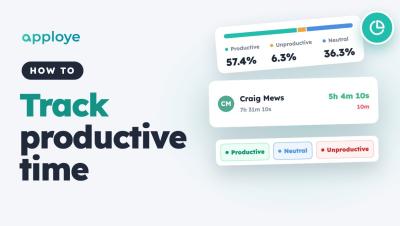
Learn how to track productive and unproductive time in Apploye: open the Productivity report, see how each member's time splits into productive, unproductive and neutral, check every app and website they used, and set the rules — default levels, exceptions for one person, and your own apps.

Moving fast with AI in operations shouldn't mean moving without control. Here's how to do both.

Scaling agentic AI across an enterprise requires more than great technology. It requires trust. This final post in the series explores how governance turns AI from an experiment into a reliable operating model, and what it looks like when operations teams are finally free to focus on the work that actually moves the business forward. At some point in every AI rollout, the same question comes up: how do you help everyone move faster without creating a mess? Operations leaders have seen this story before.

DPDP Compliance For Employers And What It Means For Employee Monitoring

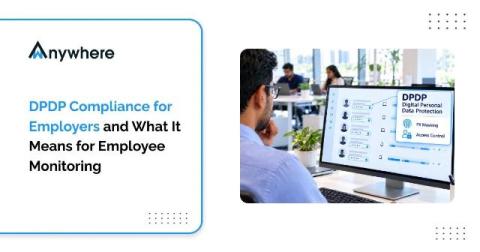
Employee monitoring has become standard practice in BPO, BFSI and ITES operations that handle sensitive client data. Screen activity, login records, device usage and endpoint alerts help security teams prevent leaks and help operations heads keep service levels on track. But every one of those data points is personal data about an identifiable employee, and India now has a comprehensive law governing how that data is collected, used and protected.

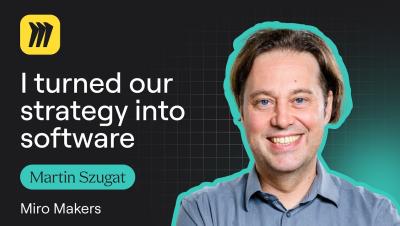
Martin Szugat Turned an AI Strategy Into Software with Miro

That place where company strategy decks go after everyone has finished presenting them? Martin Szugat calls it the “SharePoint graveyard.” As the founder of Datentreiber, a data and AI consultancy, Martin wanted to make strategy useful long after the presentation. So he built a workflow in Miro that takes a company strategy deck, extracts its objectives and key results, and turns them into prioritization criteria stakeholders can vote on.

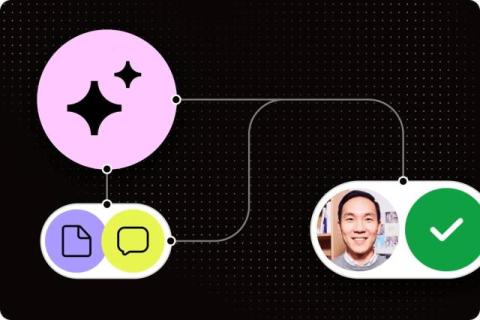
What are AI agents? A plain-language guide for teams

An agent pulls information from your other systems to finish a job, like gathering project updates and drafting a status report for someone to approve. Its permissions determine which actions it can take. This 10-minute guide goes over different types of agents and how they work. It also explores workplace examples and how agents support AI work management.