Teams | Collaboration | Customer Service | Project Management

Apploye Activity Insights in 45 Seconds

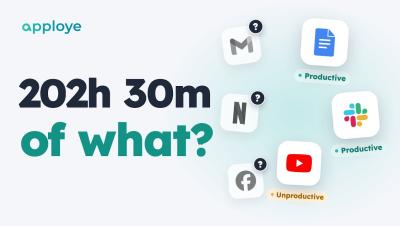
Your team tracked 202 hours this week. But 202 hours of what? Apploye Activity Insights shows you — every app and website labelled productive, unproductive or neutral, in one report. In 45 seconds: Productive vs unproductive time for your whole team, and for each person Your rules: a level for the whole team, or an exception for one person Unusual Activity: catches mouse jigglers, auto clickers and input that wasn't real Coming soon: Advanced Notifications, the moment someone's late.
How to Track Productive and Unproductive Time in Apploye

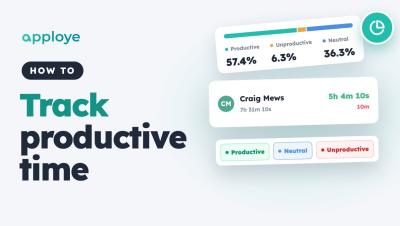
Learn how to track productive and unproductive time in Apploye: open the Productivity report, see how each member's time splits into productive, unproductive and neutral, check every app and website they used, and set the rules — default levels, exceptions for one person, and your own apps.

DPDP Compliance For Employers And What It Means For Employee Monitoring

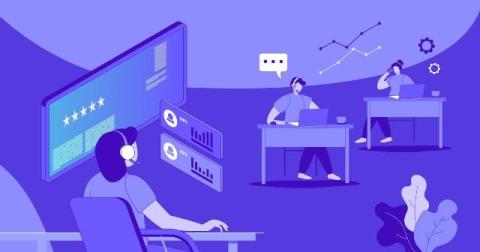
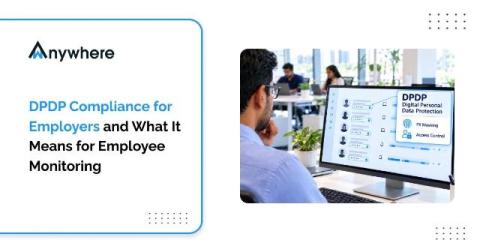
Employee monitoring has become standard practice in BPO, BFSI and ITES operations that handle sensitive client data. Screen activity, login records, device usage and endpoint alerts help security teams prevent leaks and help operations heads keep service levels on track. But every one of those data points is personal data about an identifiable employee, and India now has a comprehensive law governing how that data is collected, used and protected.

Martin Szugat Turned an AI Strategy Into Software with Miro

That place where company strategy decks go after everyone has finished presenting them? Martin Szugat calls it the “SharePoint graveyard.” As the founder of Datentreiber, a data and AI consultancy, Martin wanted to make strategy useful long after the presentation. So he built a workflow in Miro that takes a company strategy deck, extracts its objectives and key results, and turns them into prioritization criteria stakeholders can vote on.

What are AI agents? A plain-language guide for teams

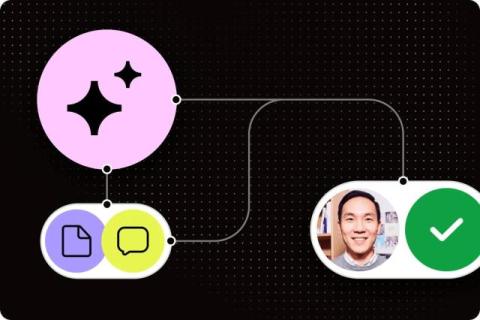
An agent pulls information from your other systems to finish a job, like gathering project updates and drafting a status report for someone to approve. Its permissions determine which actions it can take. This 10-minute guide goes over different types of agents and how they work. It also explores workplace examples and how agents support AI work management.

Your backlog shouldn't be your biggest project. Here's how operations teams are fixing it.

For most operations teams, managing incoming requests is itself a full-time job. This post explores how multiplayer AI helps teams move out of reactive mode, automating intake, keeping portfolios on course, and giving leaders the real-time visibility they need to make better decisions, faster. Every operations team knows the feeling. Requests arrive faster than anyone can review them.

How Employee Screen Recording Helps Protect Sensitive Data

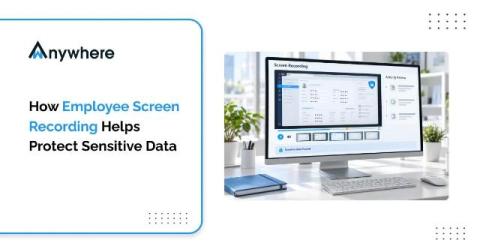
Screen recording gives security teams visual evidence of how sensitive data was handled on screen, something logs alone cannot show. It is most useful for investigating incidents, reviewing compliance, and confirming whether exposure actually occurred. It does not block data movement by itself, so it works best alongside DLP, copy-paste restriction, and access controls.

How a SCORM LMS Supports Digital Training and Team Collaboration

Digital training requires consistent course delivery, measurable progress, and effective communication among employees, trainers, and managers. SCORM 1.2 provides a standard format that allows compatible online courses to communicate with a learning management system (LMS). This connection helps organizations assign courses, record learner activity, and review completion results through a structured process.