Teams | Collaboration | Customer Service | Project Management

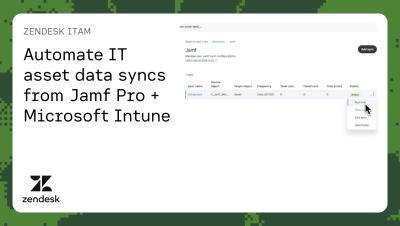
Automate IT asset data syncs from Jamf Pro + Microsoft Intune | Zendesk ITAM

Zendesk has added Jamf Pro and Microsoft Intune as data sync sources. Admins can sync computers and mobile devices from Jamf Pro and managed devices from Intune, into Zendesk IT Asset Management on a recurring schedule. In this demo, you’ll learn how to set up data sync with Jamf Pro, including a new user-friendly setup flow with AI-assisted field mapping. Keep your IT asset data accurate and up to date in Zendesk automatically to give agents the context they need to improve employee service experience.
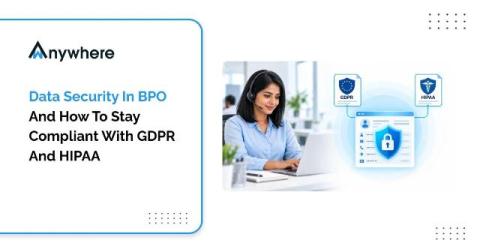
Data Security In BPO And How To Stay Compliant With GDPR And HIPAA

BPOs meet GDPR and HIPAA by combining contract obligations with controls on every seat, namely verified identity, restricted access, protection against data leaving the device, and complete activity logs. Many of these controls satisfy both frameworks at once, which makes one well-designed security program far easier to run than two separate ones.

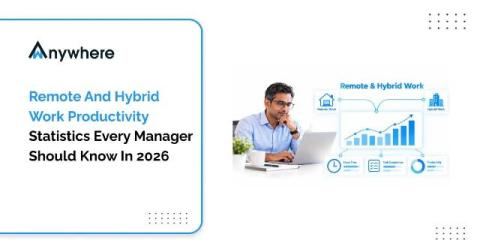
Remote And Hybrid Work Productivity Statistics Every Manager Should Know In 2026

Hybrid is now the most common arrangement for remote-capable employees, at 52% according to Gallup’s May 2026 data. Rigorous research, including a randomized trial published in Nature and industry analysis from the US Bureau of Labor Statistics, finds that remote and hybrid work does not reduce productivity on its own. The bigger risks for managers are trust gaps, uneven measurement and data security on remote seats.

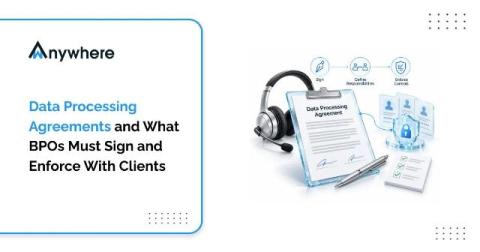
Data Processing Agreements And What BPOs Must Sign And Enforce With Clients

A data processing agreement is the contract that sets out how a BPO may handle a client’s personal data, including instructions, security measures, sub-processors, breach support and audit rights. Signing it is only half the job. BPOs must also enforce every clause on every seat and be able to prove it.

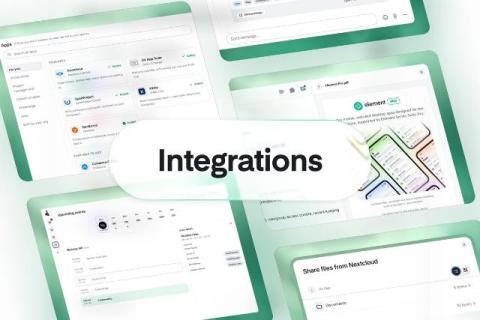
Smoother collaboration with integrations

People do their best work in a state of flow, when they can move from a conversation to a document to a task without breaking their train of thought. That puts the onus on productivity vendors to make their tools work together seamlessly. Customers running sovereign stacks tell us exactly that. As one put it: "It isn't a problem that the apps are named different things, or that they're made by different vendors.

Video Communication for Distributed Teams: Match the Tool to the Conversation

Distributed teams don’t usually struggle because they lack video communication tools. The real challenge is knowing which tool to use for the right conversation. A quick question can easily turn into a 30-minute meeting, a company-wide announcement can become an unnecessary 400-person video call, and the same product walkthrough may be explained live multiple times when a single recording could do the job. The solution is to match the communication format to the purpose of the conversation.

Shared Decks in Distributed Teams: Using AI Redesign Without Breaking the Content

Shared presentations have a familiar failure mode in distributed teams. A deck starts with one person, moves through several time zones, and eventually reaches the client meeting with four different fonts, mismatched slide sizes, and a chart nobody can edit because it was pasted in as an image. AI redesign tools can now clean up the visual side of a presentation in minutes. But they can also quietly alter, remove, or distort important content.

Payroll Reminder

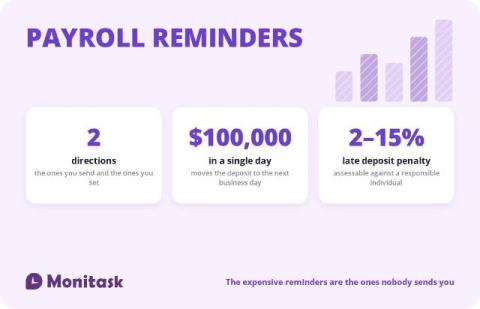
Search for payroll reminders and you get email templates for chasing timesheets. Those matter, and they are the cheap half of the problem. If a timesheet arrives late, payroll is inconvenienced. If a tax deposit arrives late, the penalty runs from 2% to 15% and can be assessed personally against the person responsible. Payroll reminders run in two directions. Outbound are the ones you send to employees and approvers.

Construction Timesheet

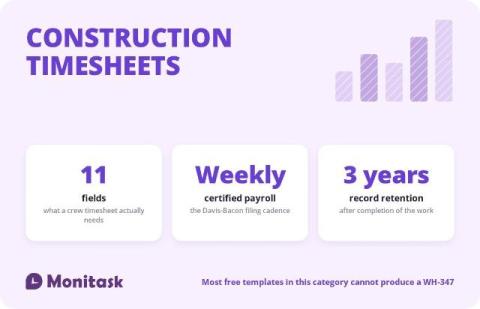
A construction timesheet records who worked, where, on what, and for how long. On a private job that is a payroll and job-costing document. On a federally funded or federally assisted job it is the source data for a weekly certified payroll report, and it needs two fields that almost no free template includes: work classification and cost code. The template below has both, splits straight time from overtime, and comes with a checklist of every field Form WH-347 requires.

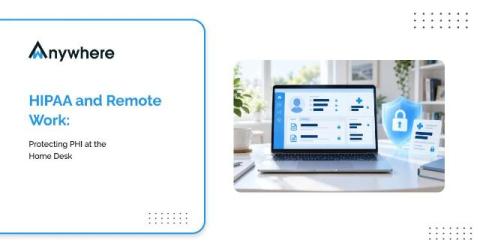
HIPAA And Remote Work, Protecting PHI At The Home Desk

A patient calls a healthcare support line at four in the afternoon. The agent who answers is working from a second bedroom, confirms the caller identity, opens the record and reads back a recent procedure and a prescription. The call is encrypted, the login was clean and the recording is retained exactly as the policy says. None of that addresses the person who walked into the room thirty seconds earlier and can see the screen.