
Teams | Collaboration | Customer Service | Project Management

Introducing Automations for Field Service Management

Field technicians, as part of their service workflow, are required to execute certain repetitive tasks each day. These tasks improve information dissemination across teams, ensure that the documentation for every service request or task is up-to-date, and help visibility and coordination between helpdesk and field teams. These tasks are of paramount importance for your support and field teams to function smoothly.
OneDesk - Setting up Multiple Domains for Customer Organizations

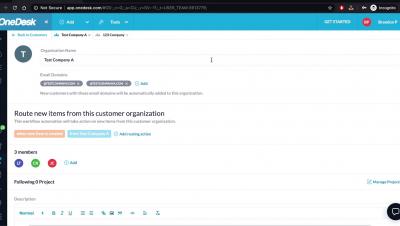
Learn how you can add multiple domains for customer organizations in OneDesk so that customer record is automatically added to the specific organization. OneDesk combines Help Desk & Project Management software into a single application. OneDesk also includes customer-facing applications: real-time chat, customizable webforms, and a customer portal. These integrated applications allow you to serve your customers while conveniently working on your projects in one platform.

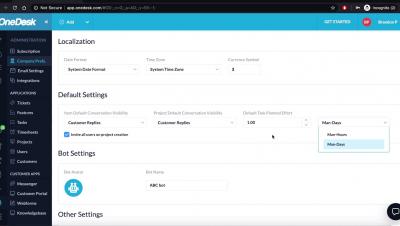
OneDesk - How to Make Adjustments to your Company Preferences

Learn how you can add your company name, logo, working hours and more through OneDesk Company Preferences. OneDesk combines Help Desk & Project Management software into a single application. OneDesk also includes customer-facing applications: real-time chat, customizable webforms, and a customer portal. These integrated applications allow you to serve your customers while conveniently working on your projects in one platform.

OneDesk - How to Make Changes to Bulk Items

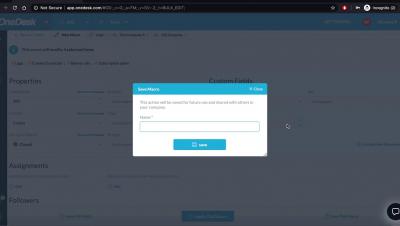
Learn how to make modifications to multiple items in OneDesk OneDesk combines Help Desk & Project Management software into a single application. OneDesk also includes customer-facing applications: real-time chat, customizable webforms, and a customer portal. These integrated applications allow you to serve your customers while conveniently working on your projects in one platform.

Part 1: B2B Customer Support: Cost Center or Profit Center?

There are two types of people in the world. The first type thinks B2B customer support is a cost center, or a necessary expense for running a business. After all, having a support team is required for your product, and it’s just something you need to have. The second type thinks B2B customer support is a profit center. Support may be part of a successful business, but that’s because they are a part of a greater revenue generating team.

1-Stop Connections keeps ports functioning by embracing the customer experience

At any moment, there are more than 20 million containers at sea, transporting everything from raw materials like oil, steel, and wood, to consumer products like TVs, toys, and textiles. That makes operating ports complicated business, which is why companies like 1-Stop Connections, which provides SaaS solutions to keep those ports working efficiently, are so vital.

What's a BPO call center, what does it do?

Not every company has the staff, tools, and skills required to meet their customers’ expectations of call center service. For example, 51% of consumers expect a response in under five minutes when they call a company, according to The Zendesk Customer Experience Trends Report 2020. But for a small eCommerce team, meeting this expectation may not always be possible. That’s where a BPO call center comes in.

30 Remote Work Software That You Wish You Knew about

Brands such as Google and Facebook have recently announced that they plan on working remotely for the foreseeable future, (or even forever in the case of Twitter). Whether your business is going to follow suit or not, there is one thing that has clearly stood out in the past few months of this new normal – your work-from-home experience is only as good as the tools you use to enable remote work.

OneDesk - Routing Actions

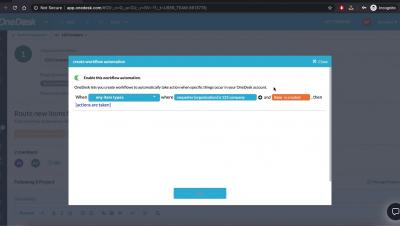
Learn how to set up your Workflow Automations to automate specific actions in OneDesk and eliminate repetitive, manual work for your support agents. OneDesk combines Help Desk & Project Management software into a single application. OneDesk also includes customer-facing applications: real-time chat, customizable webforms, and a customer portal. These integrated applications allow you to serve your customers while conveniently working on your projects in one platform.

OneDesk - Domains

Learn how you can add multiple domains for your customer organizations in OneDesk OneDesk combines Help Desk & Project Management software into a single application. OneDesk also includes customer-facing applications: real-time chat, customizable webforms, and a customer portal. These integrated applications allow you to serve your customers while conveniently working on your projects in one platform.