Teams | Collaboration | Customer Service | Project Management

Miro Tables Tutorial - Organize Your Ideas in Minutes!

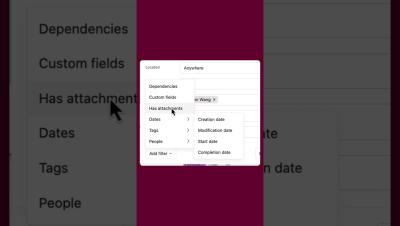
Organize your ideas, projects, or data with ease by creating tables in Miro! This tutorial shows you how to add, customize, and use tables for brainstorming, tracking, or organizing tasks. What you'll learn in this video: Unlock the power of Miro tables and simplify your workflows. Watch now to learn how! Found this helpful? Like, comment, and subscribe for more Miro tips in under a minute!

Create, merge, sign and store documents with Zoho Projects, Writer & WorkDrive

Integration & Automation Series 01 With a standard Work Order template created in Zoho Writer, when a task status is chosen as 'eSign the WorkOrder' in Zoho Projects, data from that task will automatically populate the Work Order document. This document will then be sent to a specific user for e-signature. Once signed, the final document is saved to a designated Team folder in Zoho WorkDrive.

The SECRET to Engaging Meetings? Miro's Presentation Mode!

Make your presentations more interactive and engaging with Miro’s Presentation Mode! In this quick tutorial, learn how to use this feature to collaborate, share, and captivate your audience. What you'll learn in this video: Take your presentations to the next level with Miro. Watch now and impress your audience! Found this helpful? Like, comment, and subscribe for more Miro tips in under a minute!