Teams | Collaboration | Customer Service | Project Management

How to use the Advanced Search in M-Files

This video covers all the ways you can use search to quickly find the information you're looking for. By far, the most efficient way of finding your documents and other objects is to use the M-Files search functions. This is especially useful when you remember only a single detail about the document or object, such as the creation date or the user who created the document. The advanced search and filters allow you to define more search criteria related to the properties and location of the objects that you are searching for.

How to Use Views in M-Files

This video introduces you to views. Views are saved searches. When you click a view, you tell M-Files what you'd like to see based on metadata criteria Creating views is largely based on specifying the metadata used for searching and categorizing documents. Browsing and access documents through views make up a heavy part of using M-Files every day. To upgrade to the new user interface, please consult your organization's M-Files Business admin to see about updating your M-Files application.

Why M-Files Cloud? Benefits, Cost Savings & Future-Ready Information Management

Discover why organizations are moving to M-Files Cloud to modernize information management, reduce IT complexity, and create a scalable foundation for future growth. In this video, we explore the key benefits of M-Files Cloud, including lower infrastructure costs, predictable pricing, enhanced security, simplified maintenance, and seamless integration with Microsoft technologies. Highlights include.

AI, Information Management & Microsoft Collaboration: Exclusive interview of Joakim Nordström

During Global conference M-Files IMPACT 2025, Joakim Nordström shares insights on the evolving role of information management, digital transformation, and the value of close collaboration between Microsoft and M-Files. Learn how organizations can improve productivity, strengthen governance, and unlock greater value from their information with AI-powered document management and knowledge work automation. Key topics.

M-Files Launches New AI Capabilities for Microsoft 365 Copilot

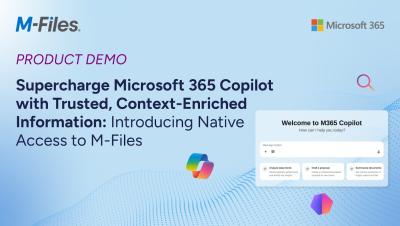
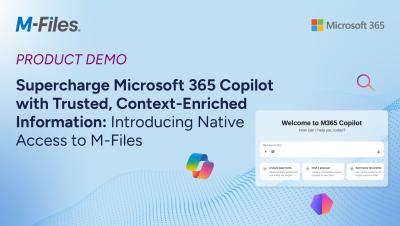
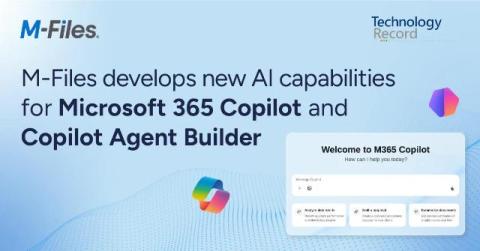
M-Files, a global provider of document management solutions, has launched new AI capabilities for Microsoft 365 Copilot and Microsoft 365 Copilot Agent Builder to help organizations generate more accurate, permission-aware outputs using context-enriched enterprise content. The updates build on M-Files' partnership with Microsoft and enable customers to access M-Files content natively within Microsoft 365, while benefiting from its context-first document management approach.

M-Files Adds New Integrations for Microsoft 365 Copilot

M-Files, a leader in context-first document management, is offering new experiences for Microsoft 365 Copilot and Microsoft 365 Copilot Agent Builder that deliver more accurate and trusted results. These advancements build on M-Files' strategic partnership with Microsoft, unlocking Microsoft 365 capabilities for M-Files context-first content and reinforcing the companies' shared vision to help organizations achieve a performance advantage using AI, the company said.

Securing Your Internal Knowledge Amidst Shadow AI

Contemporary organizations must protect their internal knowledge from a growing number of threats. Instances of security and data breaches—which can involve both gaining unauthorized access and extracting (stealing) data from the organization—result in costly fines, ligation, regulatory penalties, loss of reputation, and churn. Users must remain vigilant about both deliberate and inadvertent forms of security breaches.