Teams | Collaboration | Customer Service | Project Management

Benefits & Features of Screenshot Monitoring Software

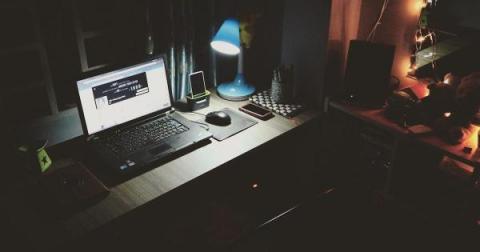
Are you handling an organization? Do you know what your employees are doing on their systems throughout the day? Do you want to have a track of their per-day activities? If yes, then you should go for the employee screenshot monitoring software. The employee screenshot monitoring software enables administrators to take screenshots of staff’s PC secretly or by letting them know. These types of software are essential tools for every firm, as you can infer from their name.

What Is Professional Services Automation?

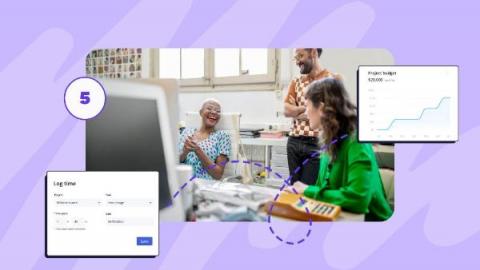
Professional services automation can play a pivotal role in the delivery of services. It is a technology platform that enables organizations to streamline and automate all areas of their professional services operations, including project management, customer support, billing and invoicing, resource management, and reporting.

Saving Information in M-Files | The Smarter Way To Work

This video is all about how you can save to M-Files. Whenever you save a document to M-Files, you use metadata to tell the system what the document is and what it relates to. When using M-Files, you no longer save documents in a single folder. Rather, you save your documents to the M-Files drive (which can be found on your computer like any other drive). You do not need to specify any other location than the document vault, as M-Files locates the document in the correct views on the basis of the metadata you define in the metadata card.

Using Views In M-Files | The Smarter Way To Work

This video introduces you to views. Views are saved searches. When you click a view, you tell M-Files what you'd like to see based on metadata criteria Creating views is largely based on specifying the metadata used for searching and categorizing documents. Browsing and access documents through views make up a heavy part of using M-Files every day.