Teams | Collaboration | Customer Service | Project Management

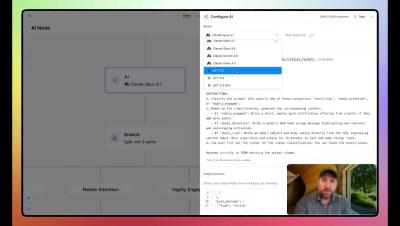
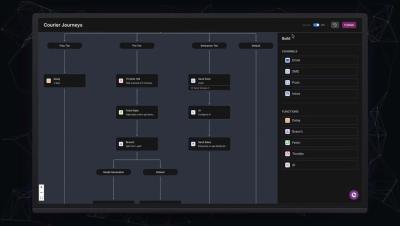
Courier Journeys: Build Messaging flows using Product Signals and AI

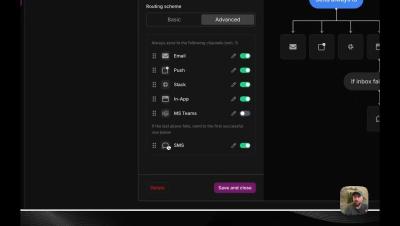
See how Courier Journeys turns product events and user data into automated customer journeys for onboarding, activation, retention, and re-engagement. Build multi-step flows, add branching logic, personalize messages, and deliver across email, SMS, push, chat, and in-app from one workflow.

Ship beautiful notifications across every channel | Courier Design Studio

A walkthrough of Design Studio, Courier's multi-channel notification designer. Build and manage notification content for email, SMS, push, inbox, Slack, and Microsoft Teams from a single editor. In this video, we cover: Drag-and-drop content blocks for building templates fast Channel-specific editing with one-click switching Full HTML mode for email with live preview Test sends with real variable data Version history with visual side-by-side comparison Design Studio is in public beta and available in your Courier workspace today.

Courier MCP Server Demo - Works with Cursor, Claude Code, VS Code & More

Courier’s new MCP Server is in beta. In this video, we demo how it works, walk through setup, and show how developers can start using it today. What you’ll learn: Courier helps you deliver notifications across email, SMS, push, chat, and in-app — all from a single API. The new MCP Server extends that flexibility, making it even easier to build and scale multi-channel notifications into your product.

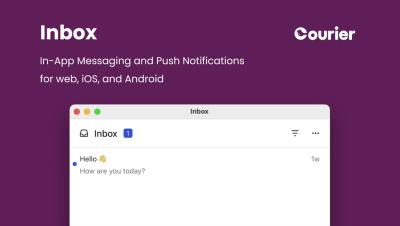
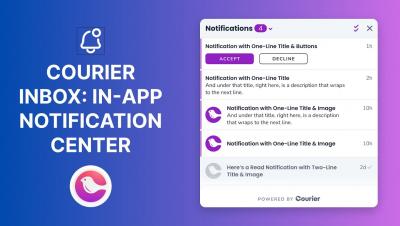
Watch the New Courier Inbox for Web in Action | In-App Notifications

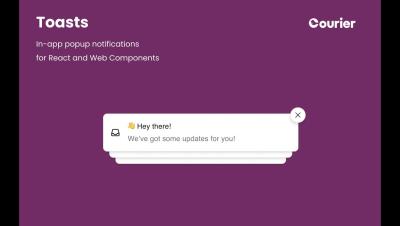
See how easy it is to add a real-time notification center to your React app with the new Courier Inbox for Web. In this short demo, we’ll walk through installing the React SDK, authenticating with a JSON Web Token (JWT), and embedding the pop-up Inbox component right into your app’s header.