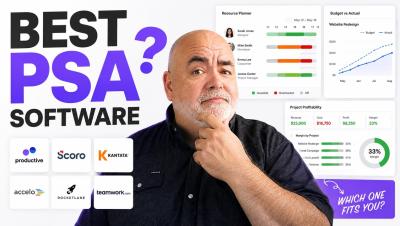
Best PSA software for agencies and consultancies in 2026
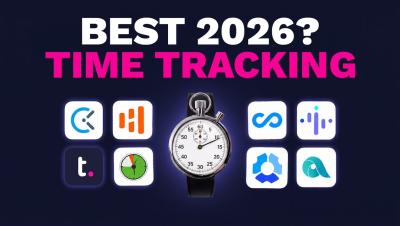
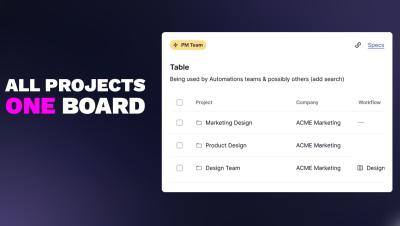
Best PSA software for agencies and consultancies in 2026 - ranked and compared. If your sales sit in one tool, projects in another, and billing in a third — while your actual profit margins disappear into a spreadsheet — this video is for you. Professional Services Automation (PSA) software pulls project delivery, resource planning, time tracking, billing, and profitability into one system so you can see whether client work is making money WHILE it’s happening, not at month-end.