Teams | Collaboration | Customer Service | Project Management

OneDesk - Routing Actions

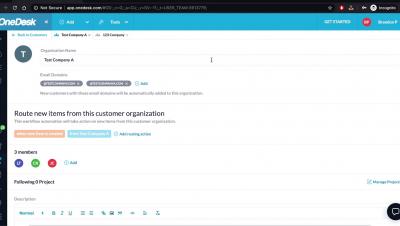
Learn how to set up your Workflow Automations to automate specific actions in OneDesk and eliminate repetitive, manual work for your support agents. OneDesk combines Help Desk & Project Management software into a single application. OneDesk also includes customer-facing applications: real-time chat, customizable webforms, and a customer portal. These integrated applications allow you to serve your customers while conveniently working on your projects in one platform.
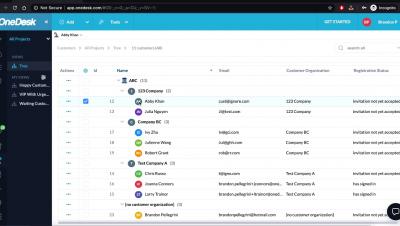
OneDesk - Domains

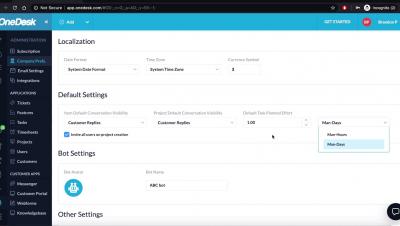
Learn how you can add multiple domains for your customer organizations in OneDesk OneDesk combines Help Desk & Project Management software into a single application. OneDesk also includes customer-facing applications: real-time chat, customizable webforms, and a customer portal. These integrated applications allow you to serve your customers while conveniently working on your projects in one platform.
OneDesk - Summary Cards

Learn how you can view your users' and customers' summary cards to access their full profiles or start a conversation. OneDesk combines Help Desk & Project Management software into a single application. OneDesk also includes customer-facing applications: real-time chat, customizable webforms, and a customer portal. These integrated applications allow you to serve your customers while conveniently working on your projects in one platform.
OneDesk - User and Teams

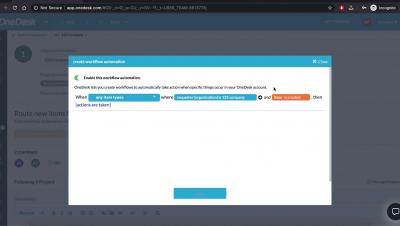
Learn how you can organize your users into specific teams in OneDesk OneDesk combines Help Desk & Project Management software into a single application. OneDesk also includes customer-facing applications: real-time chat, customizable webforms, and a customer portal. These integrated applications allow you to serve your customers while conveniently working on your projects in one platform.

How a Legacy Hardware Company Uses OneDesk for Project Management

The need for better and more specialized systems has been the major call for the fast-paced evolution of technology over the years. Newer hardware and software systems are constantly introduced. Hence, it is always a matter of time before older special-purpose systems are outdated and deprived of resources for support and maintenance.

How a Tech Support Company Uses OneDesk to Track Sales and Incoming Ticket Requests

Generally, being a tech company is about anticipating the client’s needs and requirements while staying abreast of trends in the information technology industry to achieve and sustain technological competence. Tech Support companies provide the technical expertise needed to keep systems running both for smaller and larger organizations. Most startup tech support companies rely on internally developed and managed tools for their operations in their early stages.

How An Oil Company Utilizes OneDesk's Helpdesk System

Technology in Oil Companies Technology has become an indispensable part of any business organization in every industry. Whether it is deployed in a segment of business operations or used in the daily operation and management of the entire organization, every thriving business must integrate technology to stay productive and competitive. A new client who only recently discovered OneDesk has also found this fact to be true.

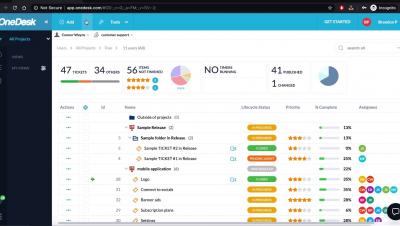
Managing Team Projects with OneDesk

If you work in a team, OneDesk offers an easy way to manage and share projects amongst team members. While you can share projects with individuals, often it is faster and more consistent to share your projects using teams. In OneDesk you can organize your users into ‘Teams’. Using teams is a great way to manage access to projects, with the least amount of managerial overhead. Here’s everything you need to know about teams in OneDesk.

Stepping through the OneDesk Quick-Setup Wizard

In OneDesk there are a large number of options that allow you to configure the software to behave in just the way you want it to. However, most of these options are non-critical and only need to be tweaked along the way, as you decide you want to change the way some things work. Out-of-the-box, OneDesk is almost ready to go to work for you, but you do need to take a few actions and provide a bit of information to get fully configured.