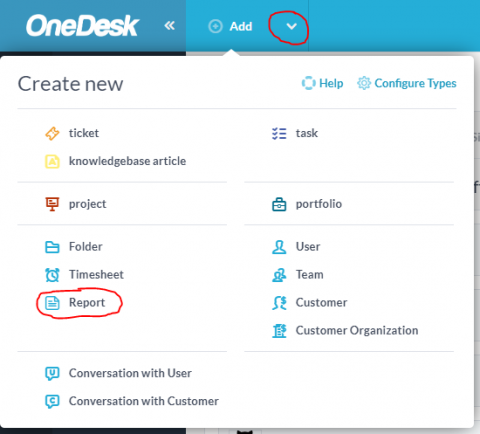
OneDesk ships with some pre-set report templates included. These let you quickly generate reports on tickets, tasks, projects, timesheets, and invoices with just a few clicks. However OneDesk also includes powerful tools to let you create your own report templates, schedule them so that they run without your interaction, and can be automatically emailed out to you, your team, or your management.
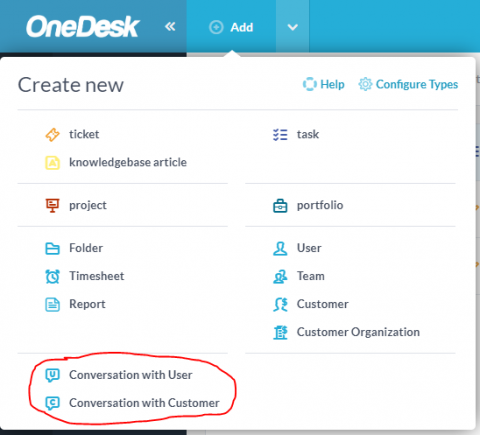
In OneDesk, you can have conversations by adding messages to tickets and tasks. When you do this, the followers of those items will get your messages via an omni-channel messaging service: by email, inside the ‘messenger app’ inside OneDesk, on the live-chat widget, and by mobile push notification (coming very soon). However you can also use the OneDesk messaging system to have conversations with users outside of the context of a task, ticket or project.
The role of software in management cannot be overlooked. Software has found application in diverse management areas beyond naming, and the roles continue to expand with more recent development in software. The market for software products has also witnessed immense growth in response to demands, and most software providers are adopting specialization and outsourcing as coping mechanisms to focus and better serve their target customers. Our new-found client, a software company is no different.
OneDesk allows you to set up single sign-on (SSO) to permit your users to log in using their existing credentials. If the user does not exist, once they log in using SSO, OneDesk will create a user record for them. Since email addresses must be unique in OneDesk, it is important that you do not already have a customer record with the user’s email address or the sign on will fail.
As companies and teams become more and more distributed, communication only becomes more important. For organizations that deal with finance matters, this is only more true. There is no room for miscommunications and distractions when there are large amounts of money being transferred and worked with. One client came to us seeking a solution to their management of tickets, along with some sensitivity to permissions, communications, and the ability to track change.
You may want to have your customers be automatically logged in to your OneDesk customer apps whenever they are on your site and authenticated with your own systems. This post will show you how to set that up using Azure as the identity provider, but the same idea will apply for any provider that supports OpenID Connect.