Teams | Collaboration | Customer Service | Project Management

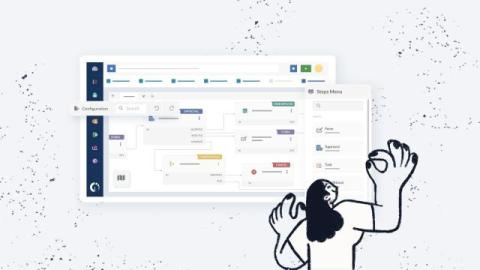
WhatsApp Ticketing System: How to Set it up With InvGate Service Management

Employees rarely think in terms of “support channels.” They use whatever tool is closest at hand — email, direct messages in collaboration apps, and also WhatsApp: it’s fast, familiar, and already part of their day. For support teams, though, those messages often turn into scattered conversations, missed requests, and follow-ups spread across personal and shared phones. Trying to keep up by constantly checking chats doesn’t scale.

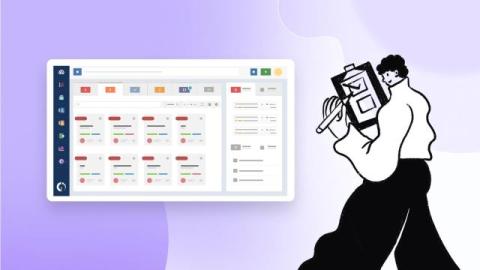
How to Integrate Multiple Help Desks Into One ITSM Solution

When you integrate multiple help desks into a single platform, you reduce silos, duplicated work, and scattered reporting across departments. If IT, HR, Facilities, and other teams operate in separate tools, employees don’t know where to go, managers lack a unified view of performance, and costs grow quietly in the background. InvGate Service Management allows you to centralize operations while keeping each department’s workflows, permissions, and service catalog clearly defined.

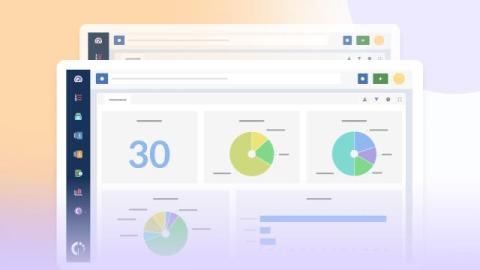
How to Implement Multi-Site Support With InvGate Service Management

Multi-site support puts pressure on help desk teams. This often happens in regional offices, retail stores, plants, or distribution centers, where teams must balance local and organization-wide priorities. A centralized help desk can solve this, but only if it’s built to handle multi-location support properly. When routing depends on manual steps, visibility drops by site, or local teams lack the right access, centralization adds friction instead of reducing it.

How to Define an SLA Policy in InvGate Service Management

An SLA policy sets clear expectations for response and resolution times, but when it’s poorly defined or inconsistently applied, support teams quickly lose control over priorities. Requests start piling up, deadlines slip, and users receive uneven service depending on who handles the ticket. On InvGate Service Management, you can create and manage multiple SLAs in a few clicks. This article explains how to define SLA and SLO policies, and why a single SLA policy often falls short.

How to Automate Access Revocation During Employee Offboarding With InvGate

Employee offboarding often moves faster than access removal. Accounts stay active longer than they should, licenses remain assigned, and shared tools keep former employees listed as active users. Each delay increases the risk of unauthorized access and leaves IT teams cleaning up issues that could have been avoided with a clear, automated revocation process. Asset revocation refers to the removal of access to company-owned resources when an employee leaves.

Best Help Desk Software in 2025: Top 10 Tools in The Market

Help Desk Software centralizes customer and employee support by converting requests from email, chat, and web forms into trackable tickets. Modern Help Desk Software solutions add automation and SLAs, a knowledge base for self-service, omnichannel communication, and reporting to improve service quality.

Why InvGate Service Management is The Best Help Desk And Ticketing System (DEMO)

InvGate Service Management is a complete ITSM solution that empowers your support team to deliver outstanding service. It provides organizations with the following: InvGate Service Management's multiple capabilities make it the best solution to build a state-of-the-art service desk or help desk. Plus, its intuitive UX is perfect for expanding the solution to the rest of the organization and implementing an ESM strategy.

Top 12 ITSM Tools And Software in 2026: Expert Review

Choosing the right ITSM tool is a key step in shaping how IT teams deliver services and support business goals. The market is evolving quickly, with vendors expanding features to cover automation, AI-driven support, and integrations that go beyond IT. For organizations planning their 2026 IT strategy, understanding what each tool offers is critical.

Free Ticketing System: 10 Options For Support Teams And How to Choose One

If you're considering acquiring free help desk software, you've likely come across options that may seem like a cost-effective and simple way to handle and improve customer support in your organization, without adding extra expenses or making big efforts. Although it might work for small businesses or startups with limited budgets or for teams who are just starting to implement a formal help desk system, it's important to note that any ticketing system free of charge will likely have constraints.

Ticketing System Guide: How They Work, Features, And Top Options For 2026

An effective ticketing system is essential for efficient IT operations. Studies show that 86% of service teams see a productivity boost after implementing a help desk system. Modern ticketing platforms offer AI-driven automation, analytics, and seamless integrations, helping teams manage incidents, service requests, and changes more effectively. This guide covers the key features of ticketing software and highlights the top vendors to consider in 2026.