Teams | Collaboration | Customer Service | Project Management

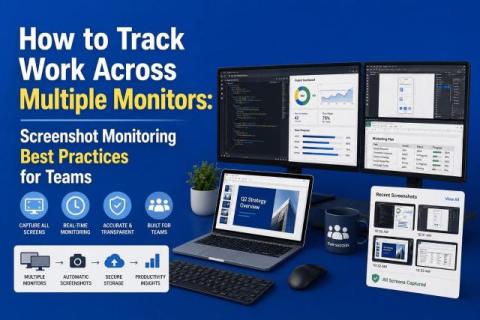
How to Track Work Across Multiple Monitors: Screenshot Monitoring Best Practices for Teams

Multi-monitor setups are now the norm for remote and hybrid teams. A single screen often misses part of the work context, but capturing every screen by default can erode privacy and create review noise. The real challenge is not whether to monitor, but how to do it responsibly. Teams need a screenshot approach that gives managers enough visibility to understand work patterns, while still respecting employee privacy, minimizing distractions, and avoiding unnecessary surveillance.
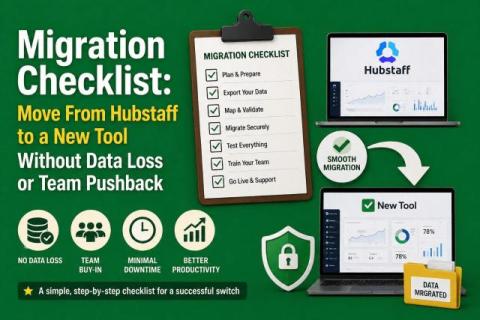
Migration Checklist: Move From Hubstaff to a New Tool Without Data Loss or Team Pushback

Switching time‑tracking platforms is a strategic move rather than a simple software swap. You have to protect your historical data, avoid billing and payroll disruption, keep your team onboard and, ideally, move to a tool that offers better visibility without adding administrative burden. You need to preserve historical data, avoid payroll or billing disruptions, keep your team aligned, and upgrade visibility without adding extra admin work.

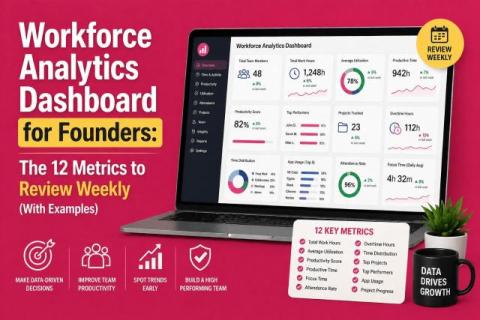
Workforce Analytics Dashboard for Founders: The 12 Metrics to Review Weekly (With Examples)

Running a company means making decisions quickly, and your team data should help you do that as quickly as possible. A workforce analytics dashboard gives founders a clear view of how work is flowing across the business, where time is being spent, and where performance may need attention. But not every metric deserves equal attention. The real value comes from tracking the right weekly numbers that help you understand output, efficiency, and team health at a glance.

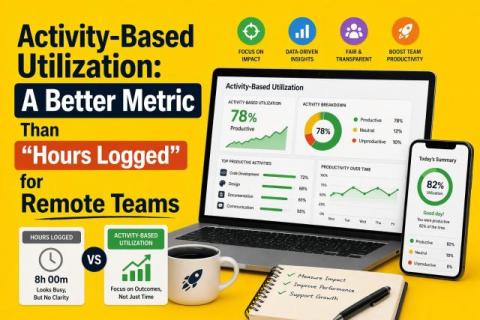
Activity-Based Utilization: A Better Metric Than "Hours Logged" for Remote Teams

In the U.S., 53 percent of remote‑capable employees are working a hybrid schedule in 2026, 27 percent are fully remote and only 20 percent are on‑site. That means most managers now oversee distributed teams. While remote work offers flexibility, it also makes it harder to judge whether people are working effectively.

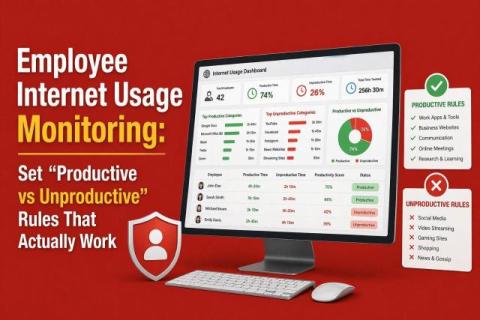
Employee Internet Usage Monitoring: Set "Productive vs Unproductive" Rules That Actually Work

Work is now hybrid, and most roles depend heavily on the internet to function. But access to the internet does not guarantee productive use. You still do not know whether time online is being spent on meaningful work or drifting into distractions. Employee internet usage monitoring helps you see how time is really spent across apps and websites, giving you a clearer picture of daily work patterns.

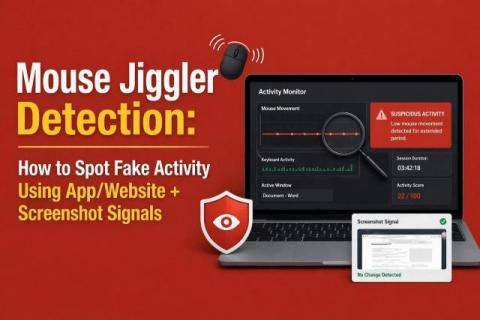
Mouse Jiggler Detection: How to Spot Fake Activity Using App/Website + Screenshot Signals

When people talk about mouse jiggler detection, they usually ask one question: how do you catch it? That is the wrong question. The better question is this: how do you know the activity you are seeing actually reflects real work? Mouse jigglers do not just simulate motion. They expose how fragile activity-based monitoring really is. If your system depends on cursor movement to define productivity, it can be gamed. The solution is not tighter surveillance, but better validation.

Denial Management Productivity Tracking: Time-on-Task, SLA Reporting & Bottleneck Detection (RCM)

In healthcare revenue cycle management, denials are usually treated like a scoreboard: how many were rejected, how many were appealed, and how much money came back. But that view misses the bigger problem. Denials are not just financial events. Every denied claim represents hours of manual effort, back-and-forth communication, and workflow friction.

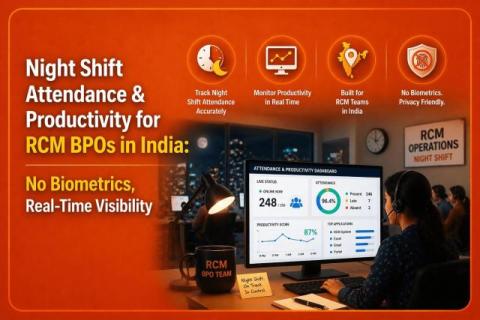
Night Shift Attendance & Productivity for RCM BPOs in India: No Biometrics, Real-Time Visibility

India’s revenue cycle management (RCM) BPO industry works largely around US business hours. Teams in Chennai, Pune, and Hyderabad often start their day when payer offices in places like New York and Texas open. These night shifts are essential for keeping billing, coding, and denial management moving smoothly, but they also come with real challenges.

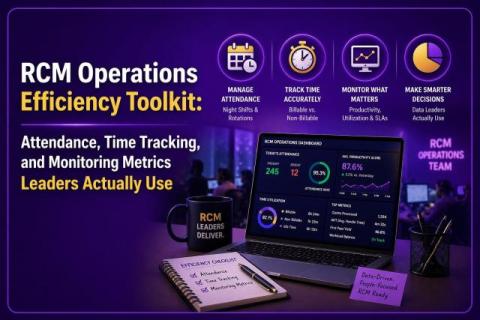
RCM Operations Efficiency Toolkit: Attendance, Time Tracking, and Monitoring Metrics Leaders Actually Use

India’s revenue cycle management (RCM) BPO industry works largely around US business hours. Teams in Chennai, Pune, and Hyderabad often start their day when payer offices in places like New York and Texas open. These night shifts are essential for keeping billing, coding, and denial management moving smoothly, but they also come with real challenges.

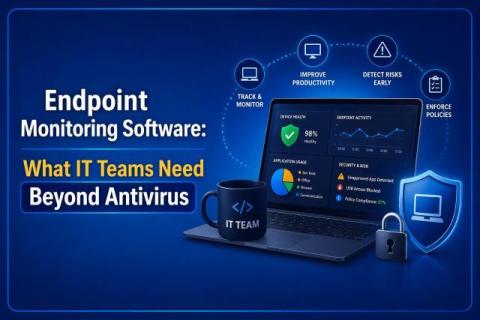
Endpoint Monitoring Software: What IT Teams Need Beyond Antivirus

Traditional antivirus software is no longer enough to stop modern cyberattacks. Today’s attackers move fast, live off the land, and leave signatures that traditional AV simply won’t catch. What makes this gap more dangerous is that most modern attacks are designed to look legitimate. Instead of dropping obvious malware, attackers use trusted system tools, valid credentials, and normal user behavior to move laterally across endpoints.

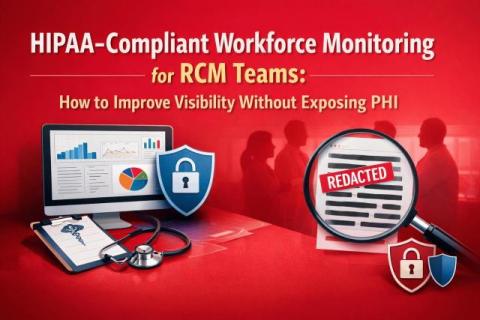
HIPAA-Compliant Workforce Monitoring for RCM Teams: How to Improve Visibility Without Exposing PHI

Most workforce monitoring conversations start with productivity. In RCM, they should start with compliance. Your teams process claims, payments, coding workflows, and patient-linked financial data all day long. So while leaders do need visibility into throughput, workload, and process bottlenecks, they also need to avoid exposing PHI through careless monitoring practices. That is the balancing act: more visibility without more risk.

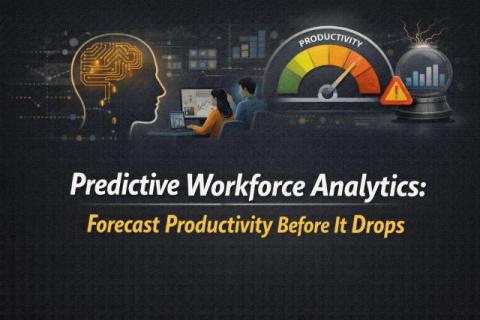
Predictive Workforce Analytics: Forecast Productivity Before It Drops

Most teams do not lose productivity all at once. It slips in small, visible patterns first. More ad hoc meetings. More after-hours work. More app switching. More time spent “busy” without meaningful output. That is where predictive workforce analytics becomes useful. It helps you spot the signals that show up before missed deadlines, burnout, or falling performance become obvious in monthly reports.