

Teams | Collaboration | Customer Service | Project Management

Data visualization for TV dashboards: a teardown

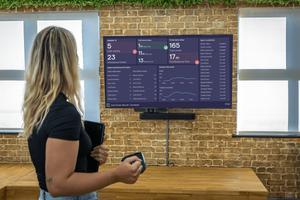
When building a TV dashboard, it’s tempting to focus on making something eye-catching. Getting people to look at it feels like half the battle. But if a dashboard is noisy or hard to read, people might glance once and then ignore it. On a TV screen, clarity matters more than novelty. A TV dashboard isn’t something people interact with. It’s something they glance at. Often from across a room, in passing, while doing something else. That changes the job of the dashboard.
To animate, or not to animate?

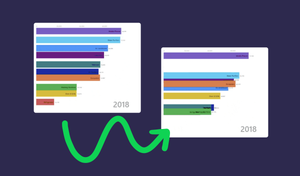
I love data visualization and have spent a lot of time looking at charts across different vendors, BI tools, and libraries. One thing that keeps coming up for me is how animations are handled. There’s a wide range of approaches. Some charts don’t animate at all, some do it poorly, and a few get it right. The difference isn’t just aesthetic. It has a direct impact on how easy it is to understand what’s happening in the data.

Stop rebuilding dashboards every time - use Custom Dashboard Templates

Learn how to create custom dashboard templates in Geckoboard for quickly deploying consistent dashboards across your sales or customer support operation. In this quick example, we'll show how to turn a sales rep performance dashboard into a template, which can then be quickly customized for different sales reps.