Teams | Collaboration | Customer Service | Project Management

Trust Without Blind Spots: The New Manager Mindset

For years, trust at work meant not checking too much. But in today’s remote and hybrid teams, trust without visibility creates blind spots. This video explores a new way of thinking about trust at work. Not control. Not micromanagement. But clarity. You’ll see: With Workstatus, managers don’t watch screens or chase updates. They see real work patterns, understand progress, and build trust through clarity.

Stop the 3% Payroll Drain: 10 Timesheet Fixes You Need Now

Payroll mistakes don’t start big. They begin with tiny things no one notices, like: One small slip isn’t a problem. But week after week, these little errors add up and quietly eat 1–3% of your payroll. The good news? A few smart timesheet fixes can stop these leaks fast. So, here are 10 simple timesheet fixes we’ll cover in this blog; each one designed to save money and reduce payroll errors. Let’s go!!

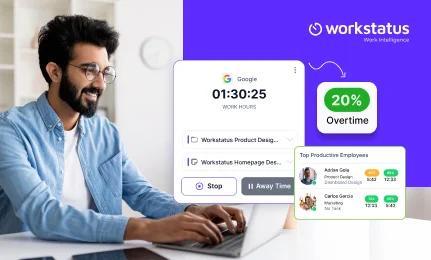
Reduce IT Team Overtime Costs by 20% with Smart Time Tracking

Is your IT team working late almost every day? Are overtime costs getting higher even when your team is doing their best? This happens to many IT teams because of small issues that build up, like: But now, this can change. With smart time tracking, you can reduce overtime costs by up to 20% just by fixing how work flows. In this blog, you’ll learn how smart tracking helps reduce overtime and makes your IT team work smoothly. Let’s get started.

Maximize Billable Hours and Avoid Digital Agency Burnout

Running a digital agency isn’t just about doing great work; it’s about getting paid for every minute of it. But here’s the problem: When your team spends more time on admin work than client projects, billable hours shrink fast. The result? This blog will show how smart time tracking and workload management can help agencies earn more, reduce stress, prevent digital agency burnout, and turn every hour into real profit. Let’s go!!

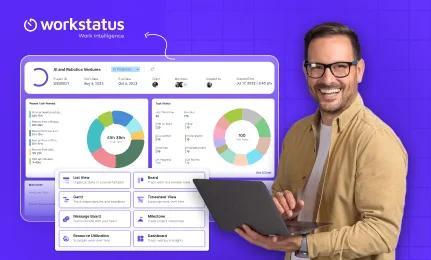
10 Reasons Why IT Project Managers Pick Workstatus?

Managing IT projects isn’t easy: That’s why many IT project managers are turning to Workstatus, an all-in-one platform that brings time tracking, task management, budgeting, and reporting together. Here are 10 simple reasons to use workstatus and why IT project managers choose it to manage timelines, teams, and budgets, all in one place. Let’s go.

Workstatus: Time Tracking & Workforce Management

Welcome to Workstatus – your all-in-one time tracking and workforce management solution for modern, remote, and hybrid teams. Whether you're managing freelancers, remote employees, or in-office teams, Workstatus helps you track productivity, manage attendance, monitor tasks, and make data-driven decisions – all in real-time. Key Features: Time Tracking (Manual & Automatic) GPS Location Tracking & Geofencing Screenshots & Activity Monitoring Productivity Reports & Timesheets Team Scheduling & Project Management Idle Time Detection & Privacy Controls.

Goodbye Manual Timesheets. Hello Time That Tracks Itself!

Manual timesheets don’t slow you down because they’re hard. They slow you down because they break your focus. Most teams in IT services, agencies, BPOs, and operations face the same problem: This isn’t a “productivity” problem, it’s a visibility problem. What if your time could track itself? That’s what our new Work Intelligence system does. It watches work in the background and builds a full, fair, and clear timesheet for you. No typing. No guessing. No stress.

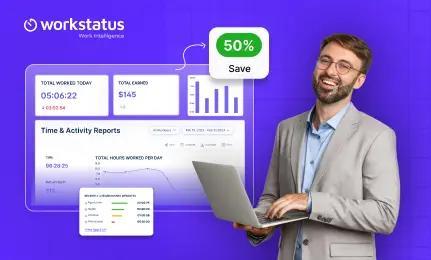
Tool Stack Audit: Save 50% With Smarter Workforce Management Software

Are you using different tools for time tracking, task management, productivity monitoring, and payroll? If yes, then you’re likely facing these challenges: But what if one tool could do all of this for you? In this blog, you’ll learn how using one simple system can save up to 50% of your tool costs and make your work much easier. Let’s see how!!