How to Use enPowerManager-Remote PC Power Manager & Employee Login Tracker (v12) | CurrentWare
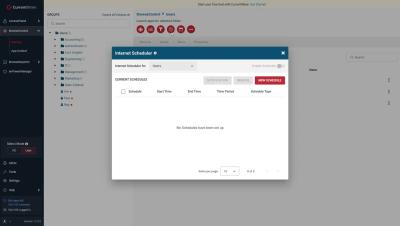
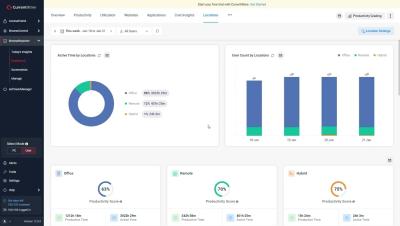
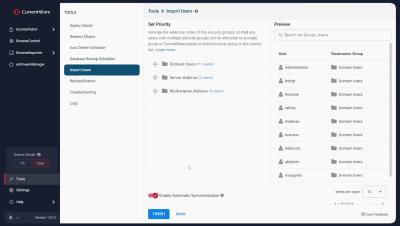
Today I’m going to show you how to get started with implementing your first PC power management policies with enPowerManager. This video will cover the key features of enPowerManager, including: For the best results, set enPowerManager to PC mode rather than User mode. This will give you access to the most features. Before watching this video you should already have the CurrentWare web console set up, the CurrentWare Clients installed on the computers you would like to manage, and your users or computers placed in their own policy groups.