Teams | Collaboration | Customer Service | Project Management

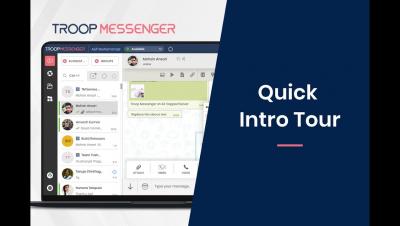
Quick Intro Tour - Troop Messenger

Troop Messenger is Team Collaboration and workplace communication platform. A two-way team communication SaaS-based application helps people to connect, discuss and share work across a single and smart user interface. Alongside Software as a service (SaaS) , It also come up with APIs and On-premise Edition to serve Large Enterprises, Defence Organizations and Governments.
Integrations

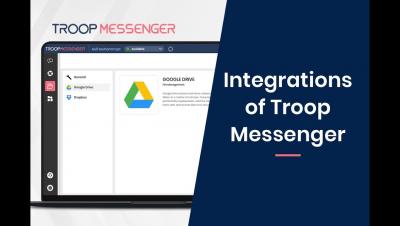
Troop Messenger allows you to integrate with Google Drive, JIRA, GitHub, LDAP, Dropbox and if you want more, you can build automation with the APIs. Robust security, fingerprint access, End-to-End encryption add up to its list of features. The tool has a ‘privacy chat’ (Burnout) feature that allows users to chat confidentially in an incognito window where chat history gets deleted after the stipulated time.

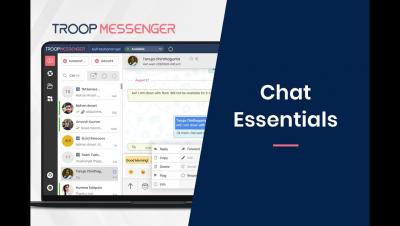
Chat Essentials

Chat Supportive Actions Each chat conversation is supported by the following chat supportive actions to ease team communication and collaboration. When you right-click on any meesage, you would get a menu of chat supportive actions such as Reply, Forward, Copy, Edit, Delete, Recall, Flag, Respond Later and Info. {Alternatively you can hover on each chat message, you could find a small drop-down arrow icon. Click on it for the same chat suggestive menu}.

Google Drive Integration with Troop Messenger

Never put a halt to your work routines to open a cloud-based file management system to back up your office information!. Now integrate the best cloud storage, Google Drive, and sync your secured work files in the cloud right away within Troop Messenger. Troop Messenger seamlessly lets your teams connect with the everyday apps they use! Explore the new horizons of productivity.

Burnout an Exceptional Privacy Feature of Troop Messenger

It allows the team member/user to chat in private within a stipulated time period. The user can select the desired timer option and start a one-to-one conversation with the recipient. It is essential that your recipient should accept your burnout request to initiate it. A separate burnout window is opened to start the chat. The Burnout chat conversation gets deleted automatically once the timer expires or when the user explicitly terminates along with the burnout chat window.

How to use Forkout Feature - Troop Messenger

Forkout allows the user to send a text message to multiple individual participants or to multiple groups, at a single point of time. Click on Forkout Icon to select multiple users or multiple groups and enter your text, or vice-versa. It helps the user to choose the team members/users randomly from the tabs of RECENT, FAVOURITES, USERS, and GROUPS.